

Downloads
Downloads

As the 50 Years of Co-Education Celebration kicks off, we've created branded assets to ensure our commemorative identity shines across all platforms and channels, such as ready-to-use templates, high-quality assets, and guidelines to help you create with confidence. Please use these resources as provided to maintain a unified and cohesive visual story across all channels.
Email Banners & Signatures
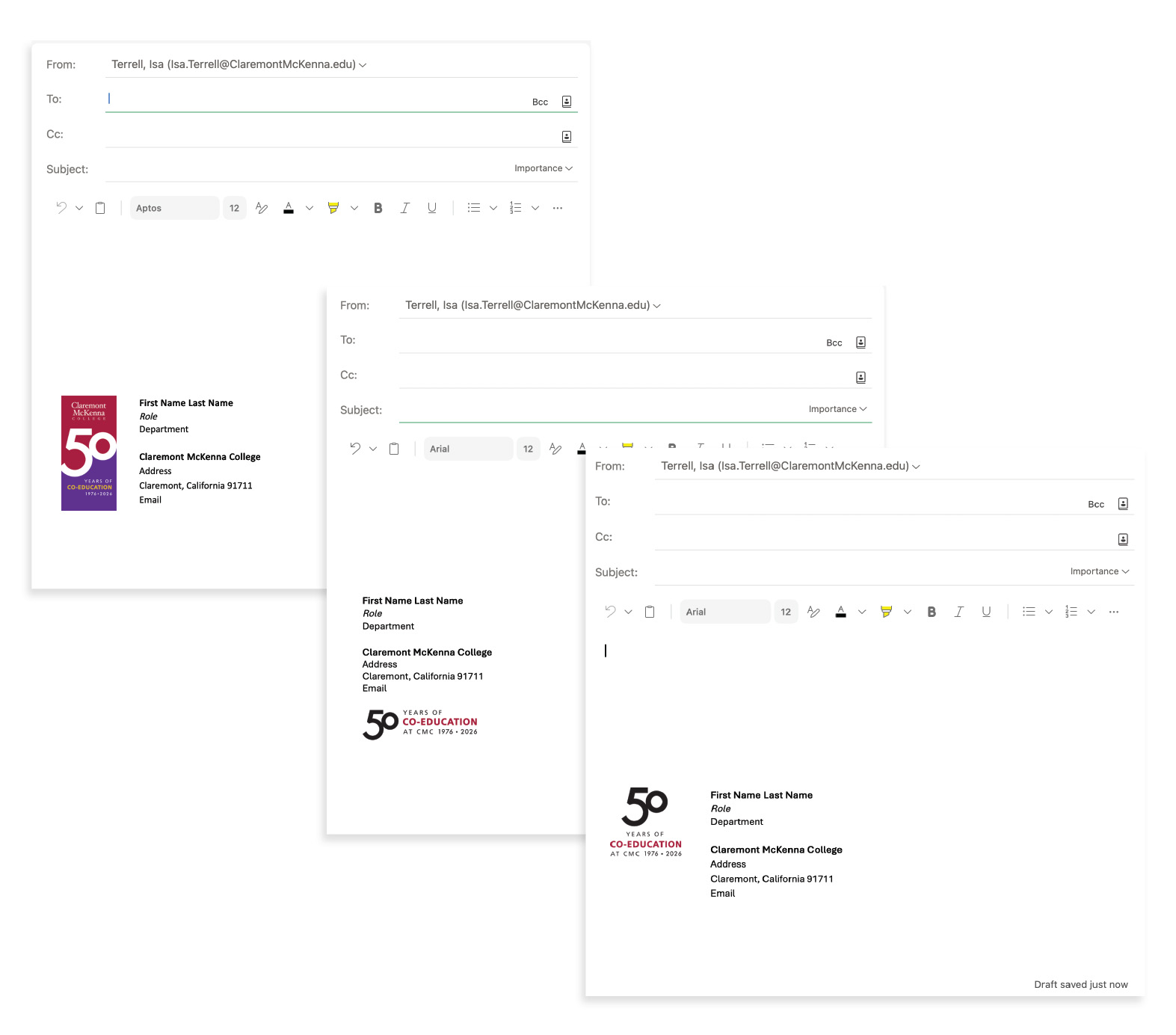
Email banners and signatures are now live and ready to download. Help us share this milestone with everyone you connect with.
Update your signature in 2 minutes
- Open your email client (Outlook or Gmail).
- Copy and paste the templates linked in the Email Signature Word document.
- Insert the image at the bottom of your existing signature block.
- Hyperlink the image to the Co-Education event site.
- Save—done! Every email you send now promotes the upcoming 50 Years of Co-Education Celebration.
Using email banners
- Drag-and-Drop Builder: Upload the image file into the header block or an image block at the top of the email.
- Email client (Outlook or Gmail) or rich-text editor: Use the insert image tool to add the image to the topmost section of the email. Resize the image as necessary and align to the center.
- Be sure to add descriptive alternative text, such as “50 Years of Co-Education graphic” or “50 Years of Co-Education logo.”
Backgrounds & Social Media Banners
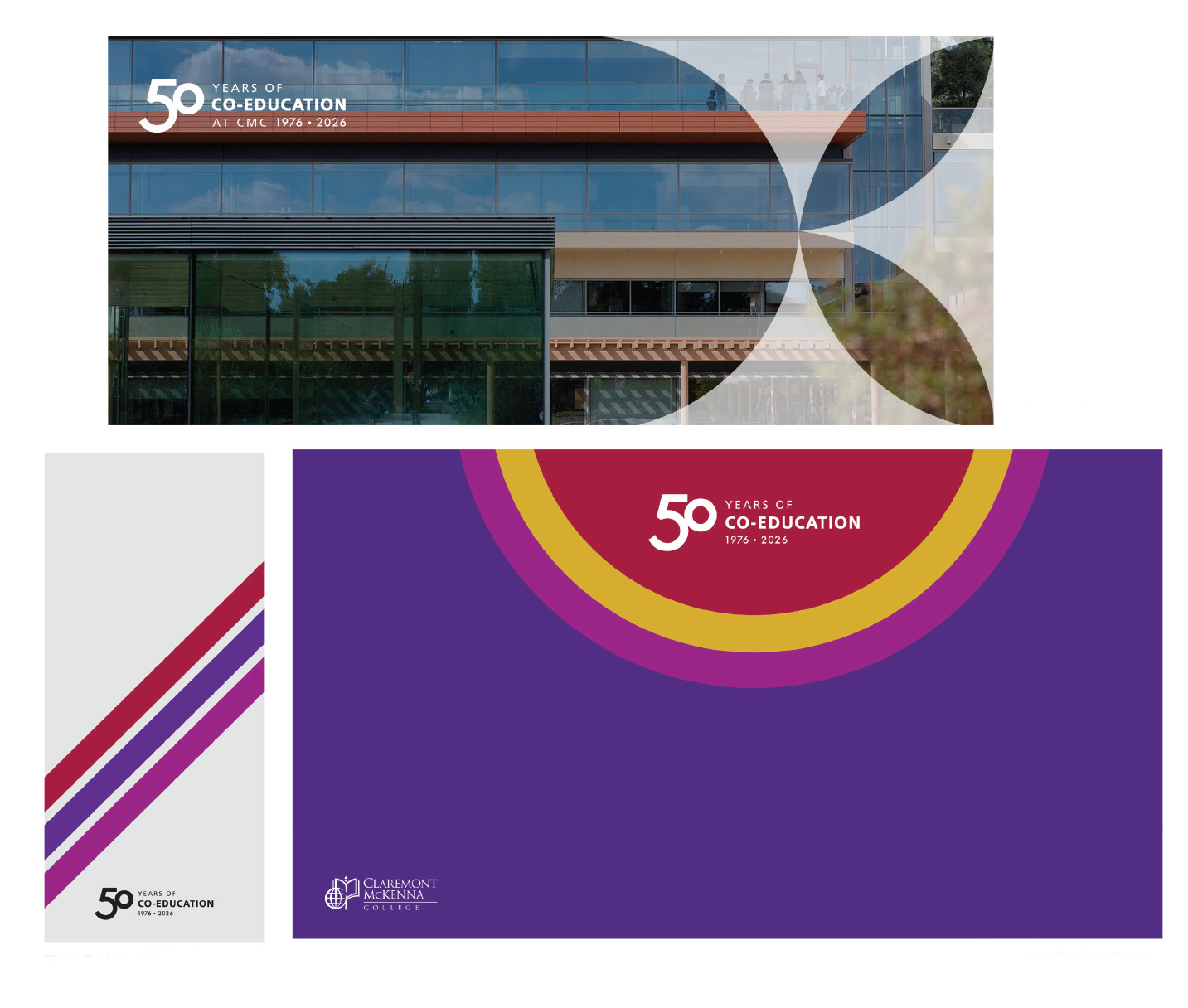
The following banners and backgrounds are designed to infuse energy, joy, and celebratory pride across our channels.
Social Media Banners are sized and ready for use on LinkedIn and Facebook.
Brand Kit
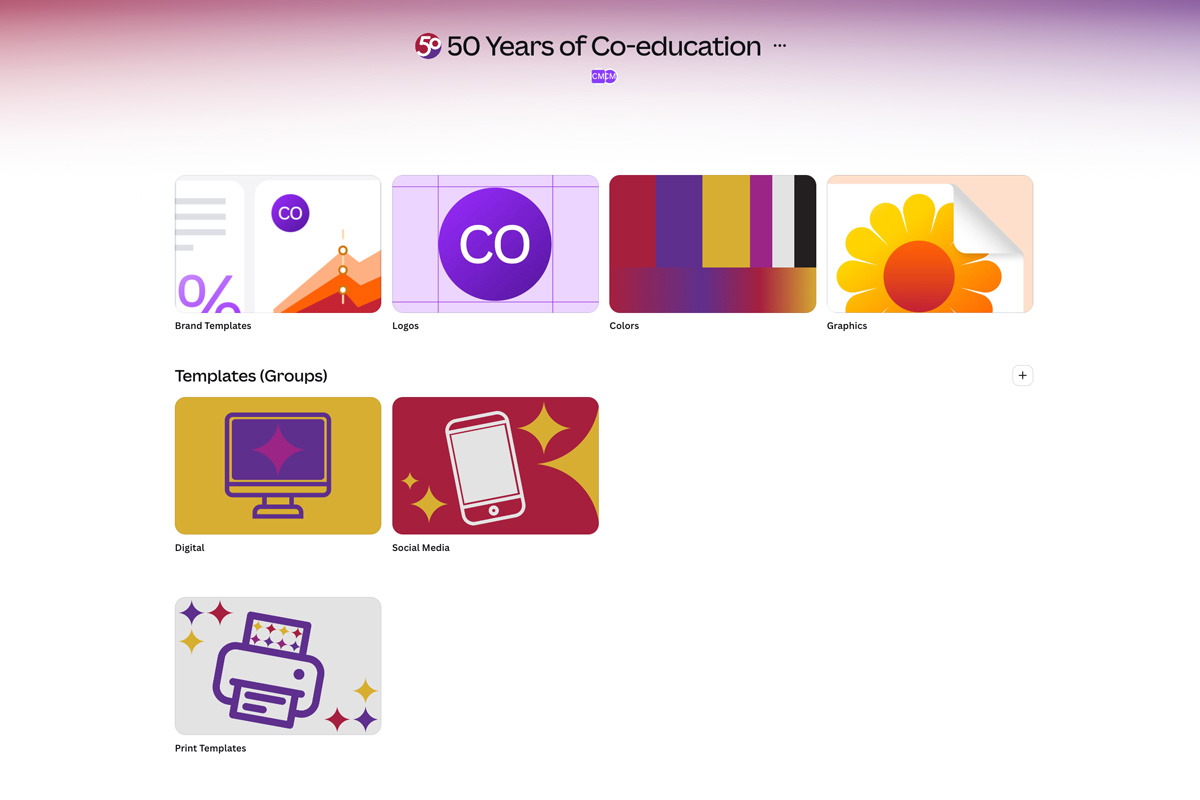
Use the kit to make your own celebration graphics! Options are available for those with and without access to the CMC Canva Enterprise.
Brand Kit Hub (requires SSO)
Creating content about the celebration? Find the resources you need in the 50 Years of Co-Education Canva Brand Kit. Logos, brand colors, graphics, templates—and how to use them—are available in one convenient place. Users within the CMC Canva Enterprise can access links by logging in with their campus SSO. The brand kit is also available under the "Brand" tab on the Canva dashboard.
Open Templates
You also have access to one-off, editable templates for quick creation. Note: these templates are standalone and not connected to the brand kit.